Core app screens
Common working screens inside an app: messages, calendar, files, orders and customer tables.
5 steps
 Step 1
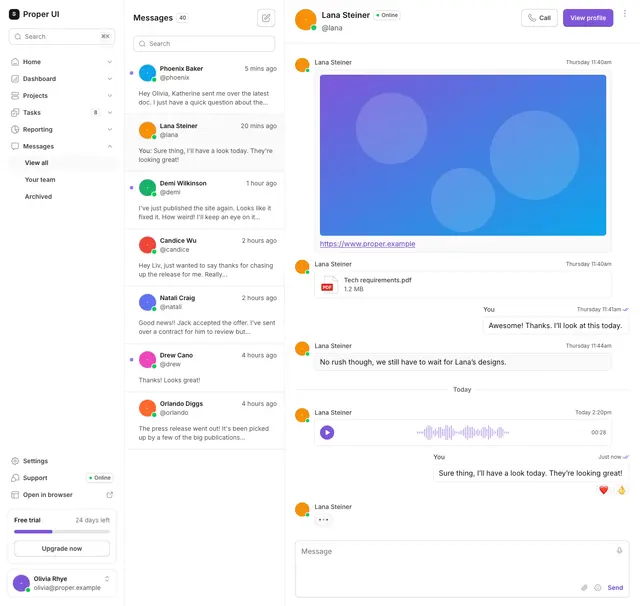
Informational 11
A messaging view with threads, attachments and message actions.
npx @properui/cli@latest add informational-11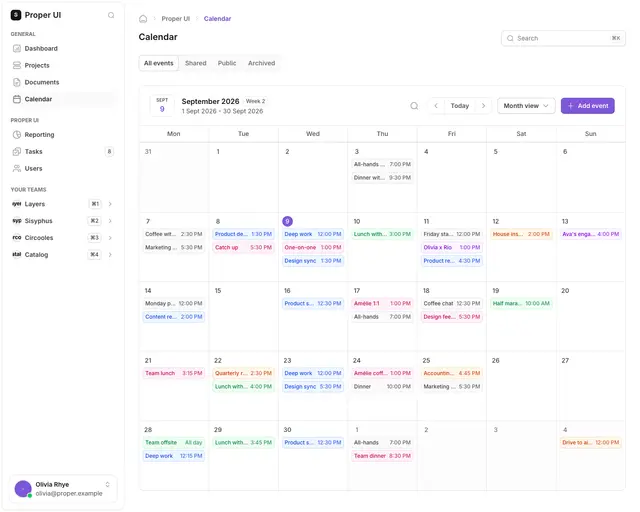 Step 2
Informational 08
A calendar view with event filters and a sidebar.
npx @properui/cli@latest add informational-08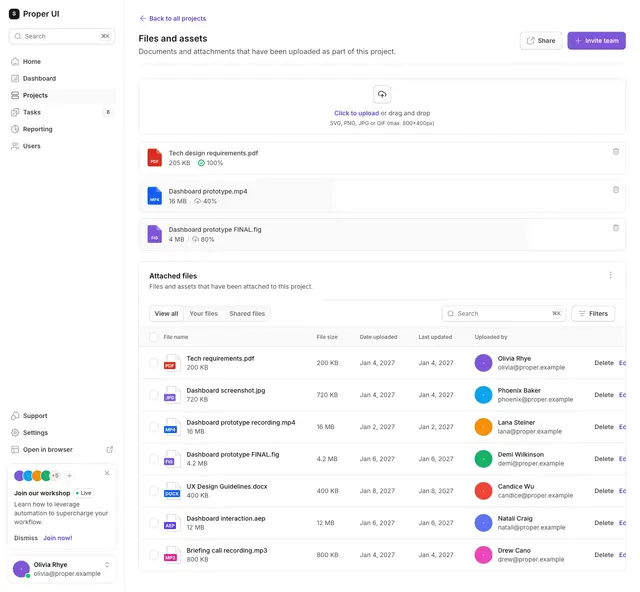 Step 3
Informational 03
A file manager with shared and attached files.
npx @properui/cli@latest add informational-03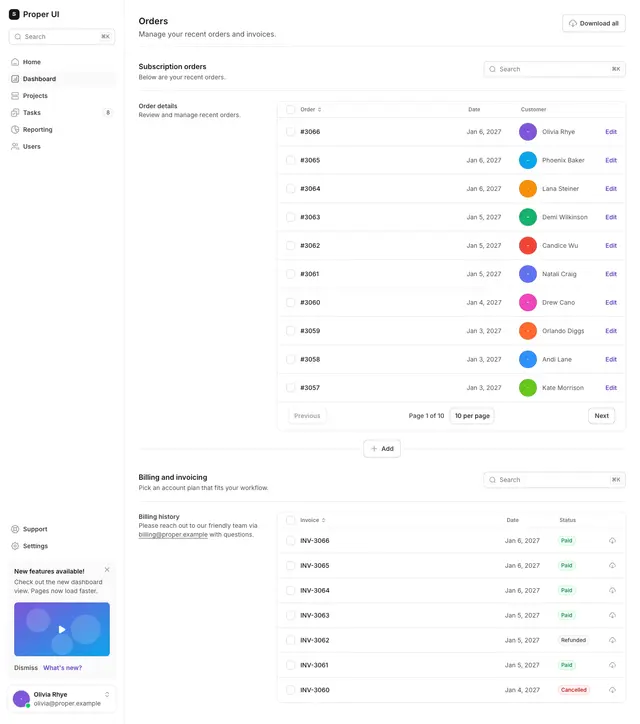 Step 4
Informational 05
An order detail page with billing history and subscription orders.
npx @properui/cli@latest add informational-05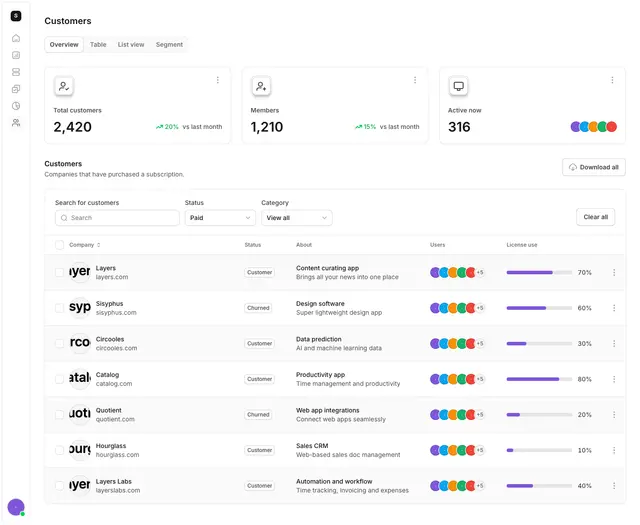 Step 5
Informational 06
A customer table with status filters and totals.
npx @properui/cli@latest add informational-06
Install this flow
One command writes every step and the components they compose.
npx @properui/cli@latest add informational-11 informational-08 informational-03 informational-05 informational-06Working in an agent? Ask the MCP server for the same journey.
search_flows "Core app screens"