Flows
Curated user journeys made of real, installable screens: sign up, onboarding, billing and more, each step in order.
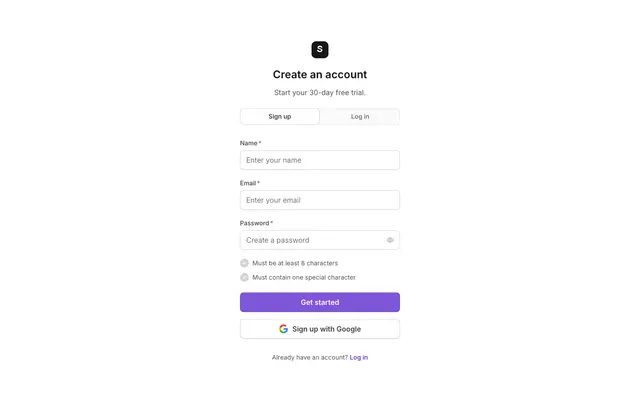
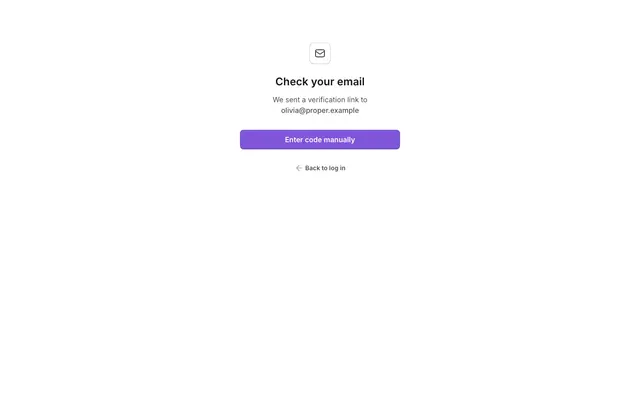
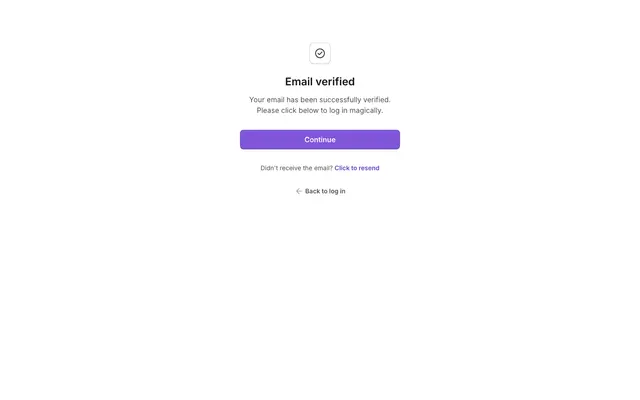
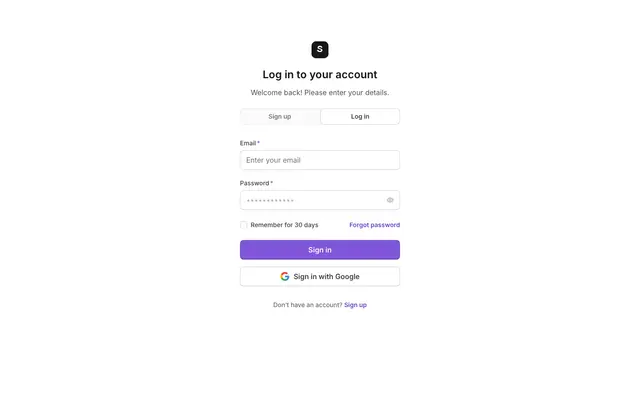
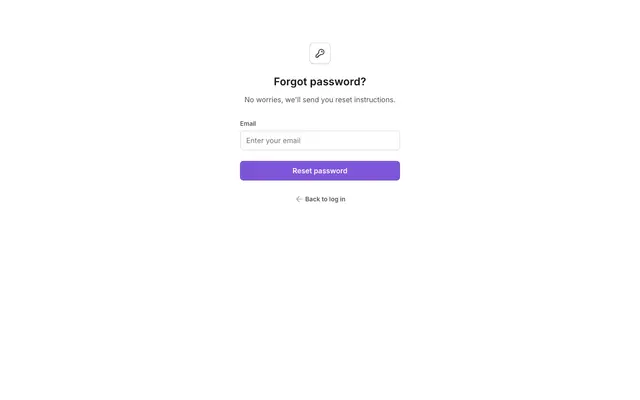
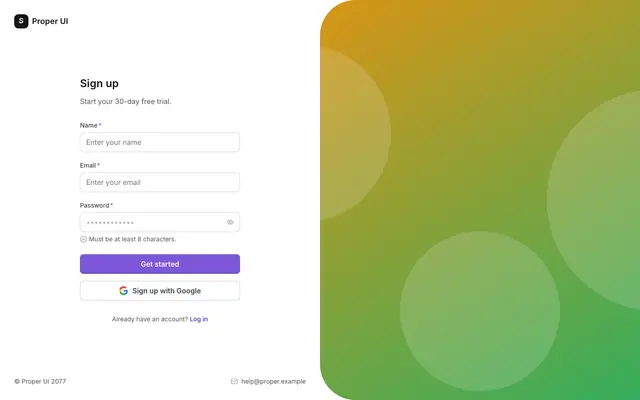
- Authentication6 stepsSign up, confirm the email address, log in, and recover a forgotten password.
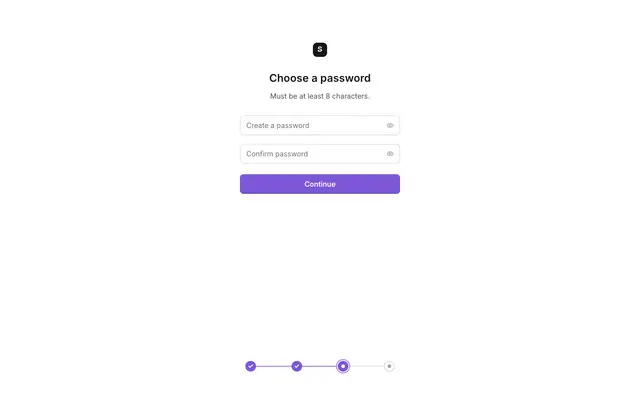
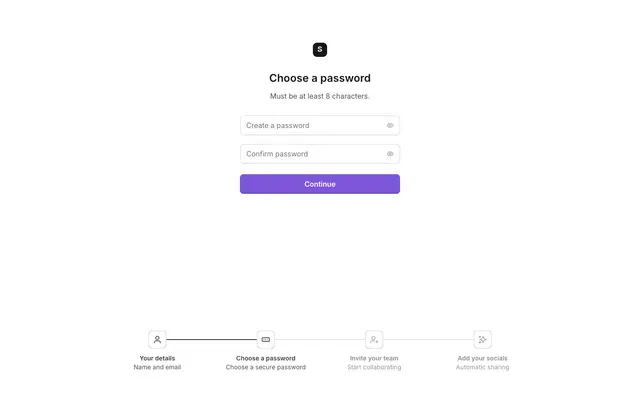
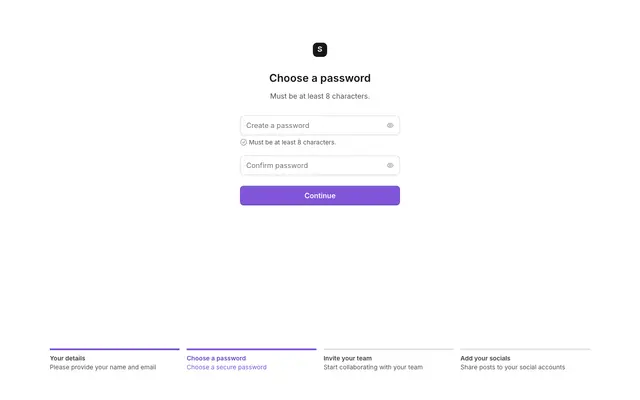
- Onboarding to first dashboard5 stepsA multi-step sign-up that ends on an empty dashboard prompting the first action.
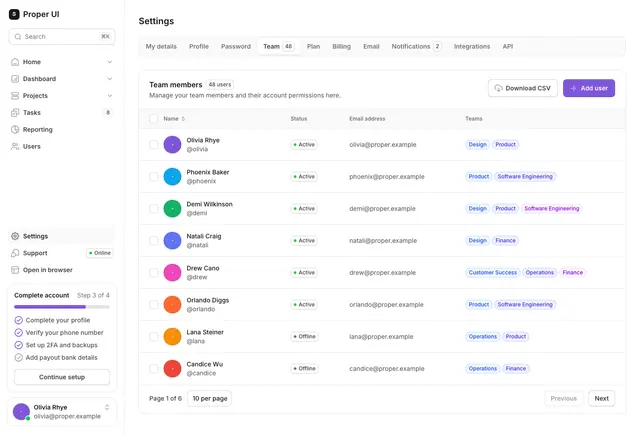
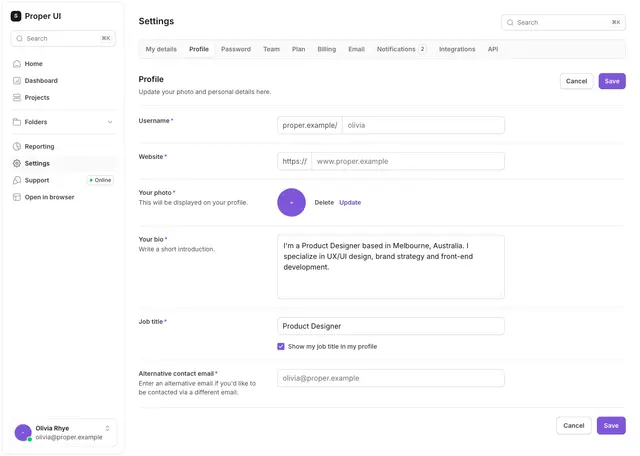
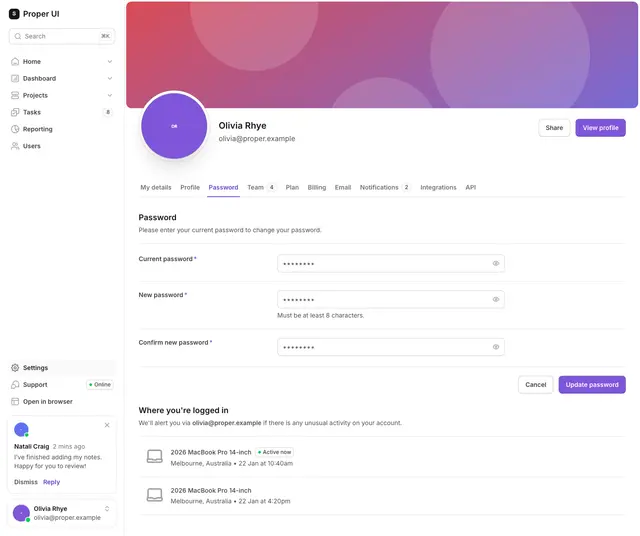
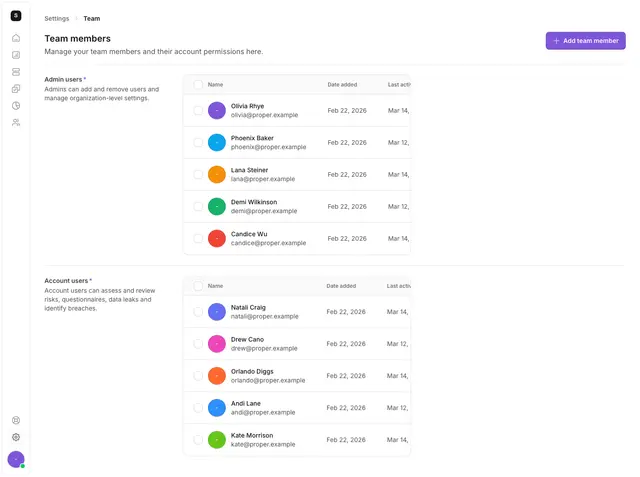
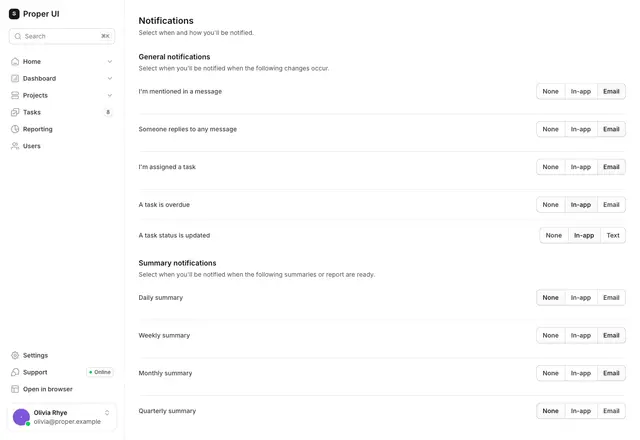
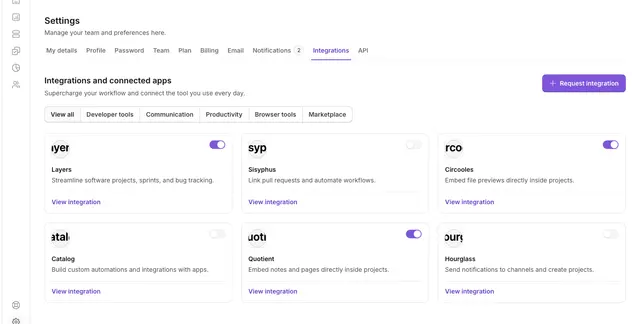
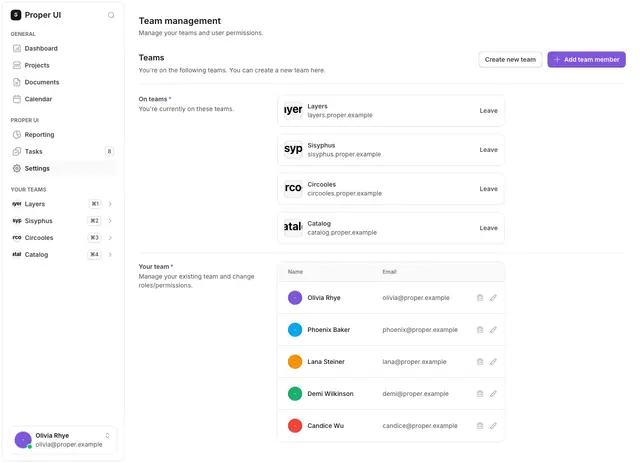
- Account settings5 stepsThe pages behind a settings area: profile, password, team, notifications and integrations.
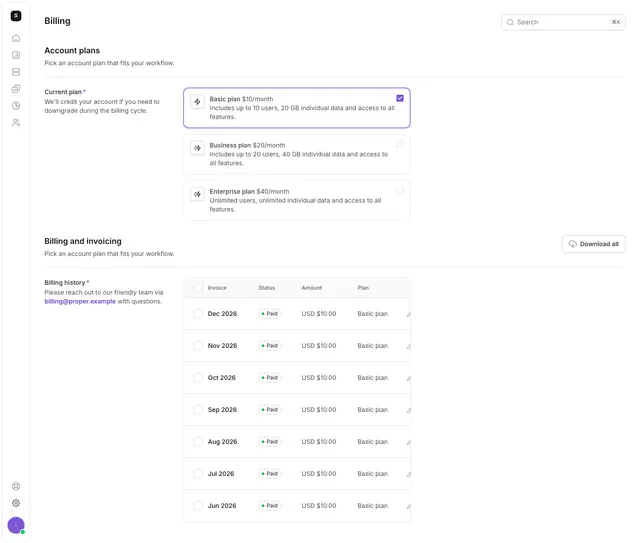
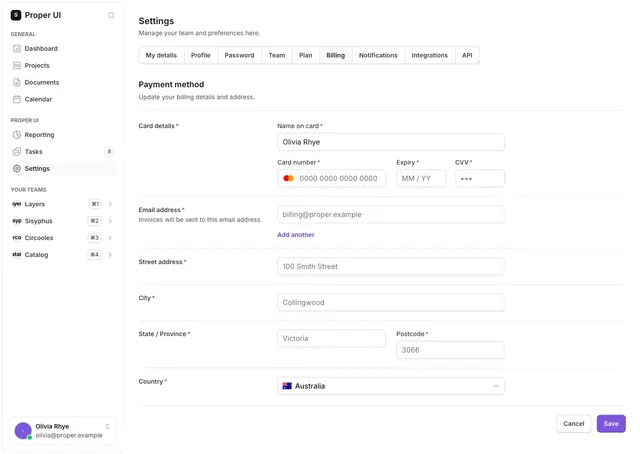
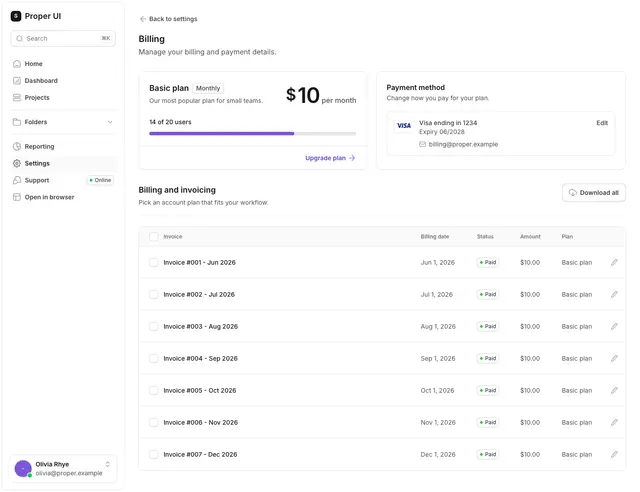
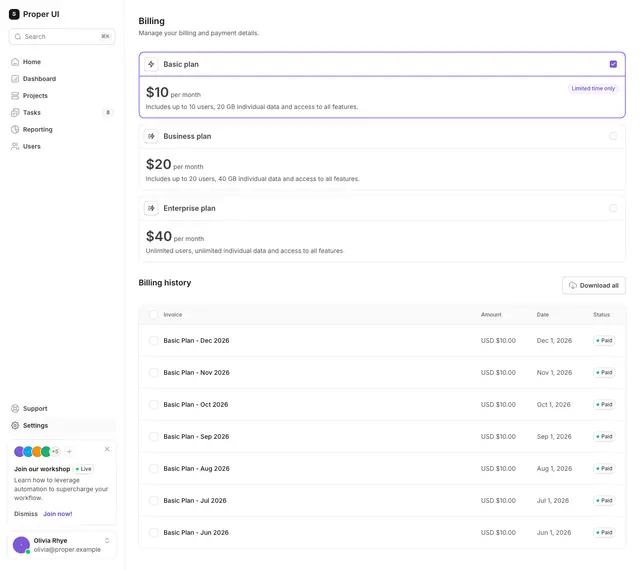
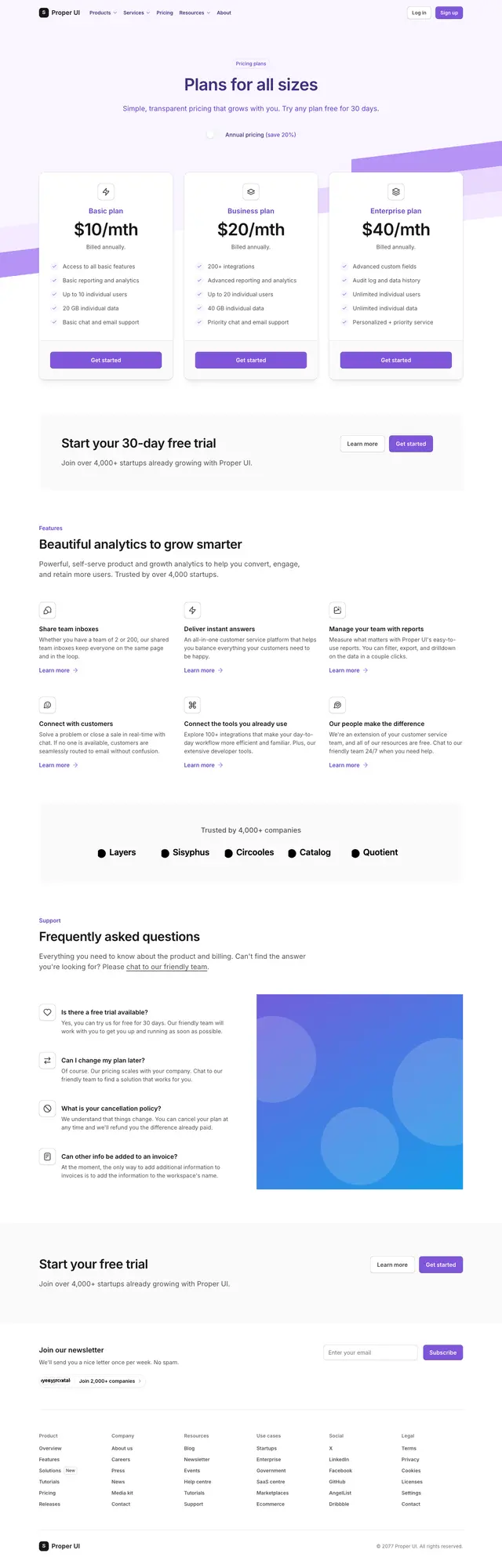
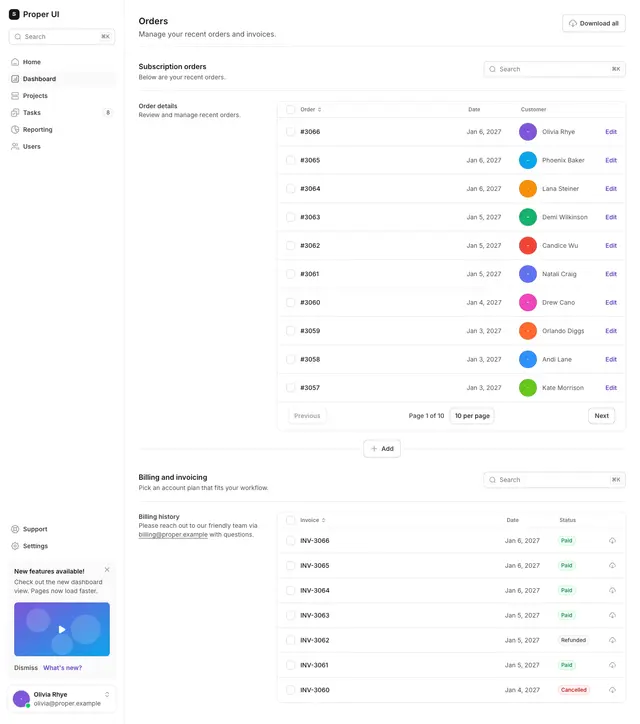
- Billing and subscription5 stepsChoose a plan, update the card on file and review past invoices.
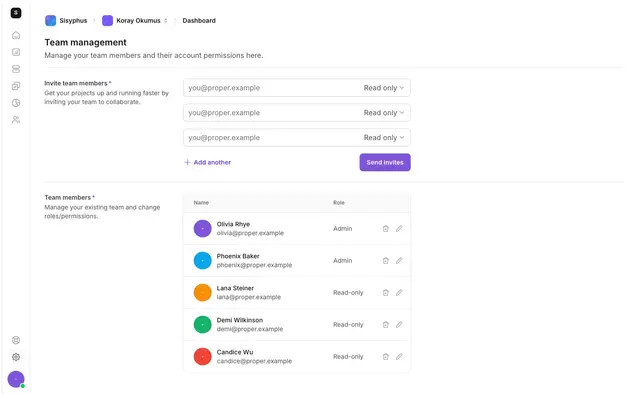
- Team management3 stepsInvite people, assign roles and organise members into teams.
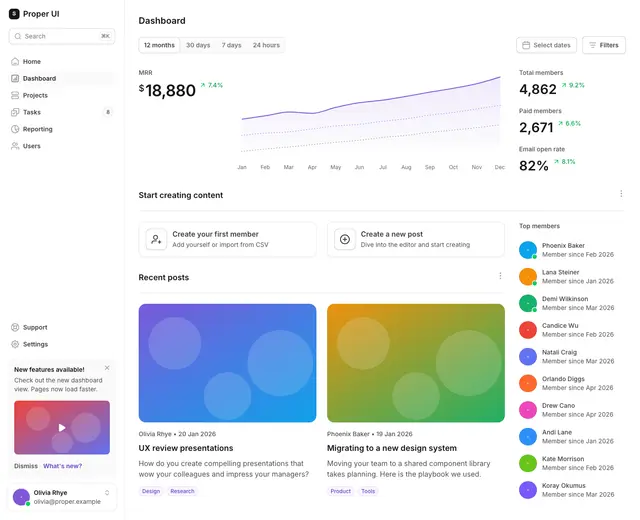
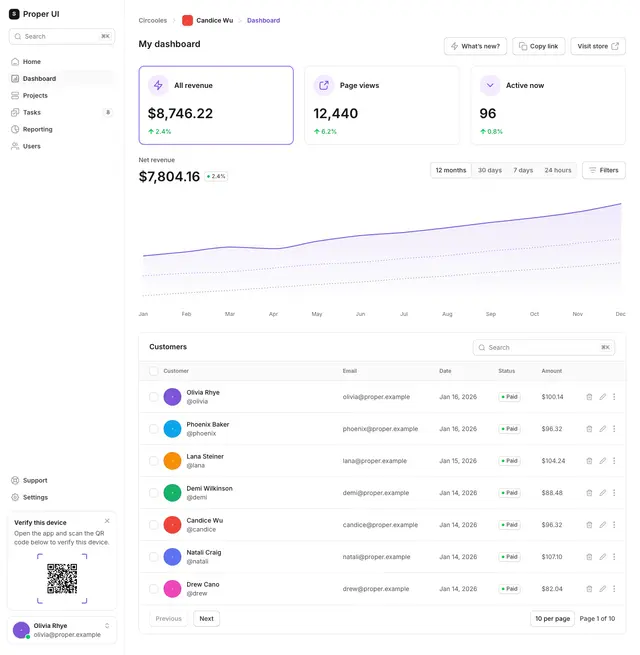
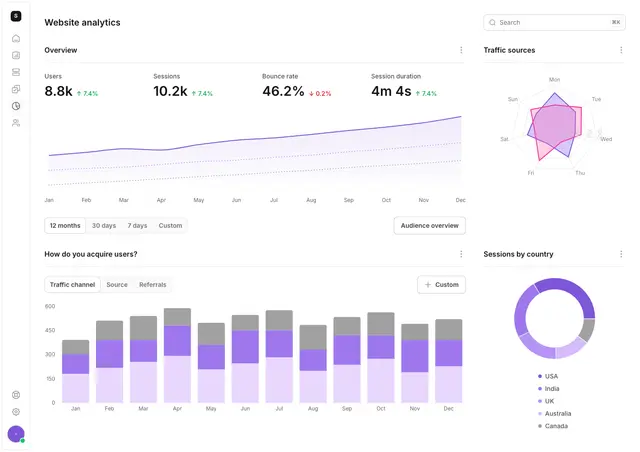
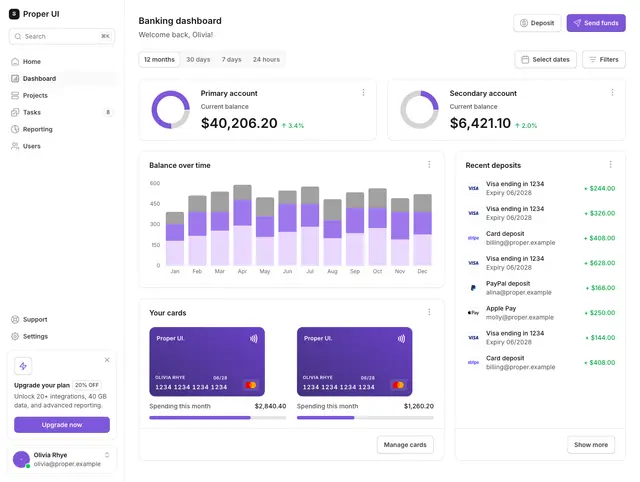
- Dashboard and analytics layouts5 stepsFive dashboard layouts on different sidebar styles, from product overview to finance.
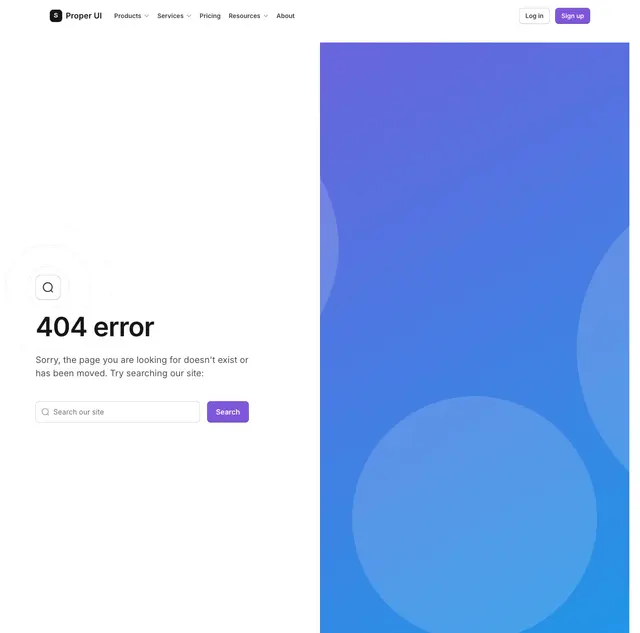
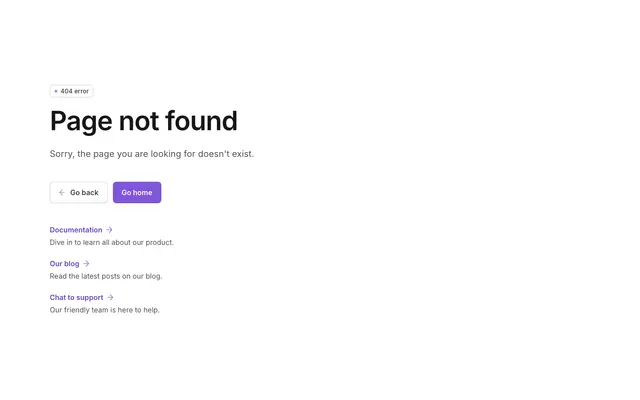
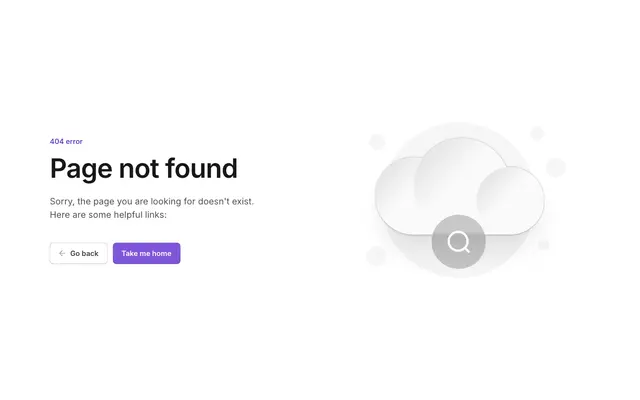
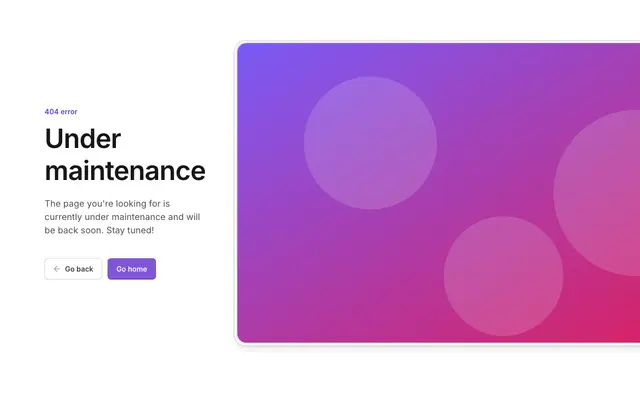
- Error and recovery4 stepsNot-found screens that explain what went wrong and send the user somewhere useful.
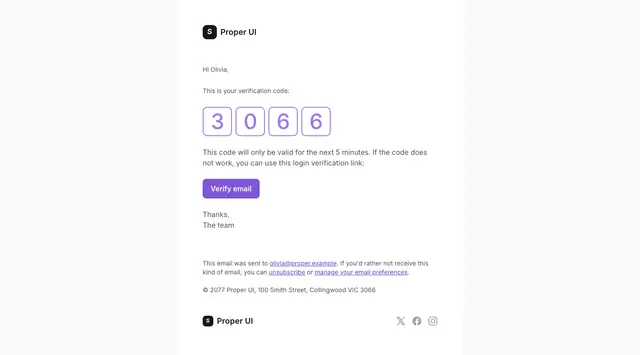
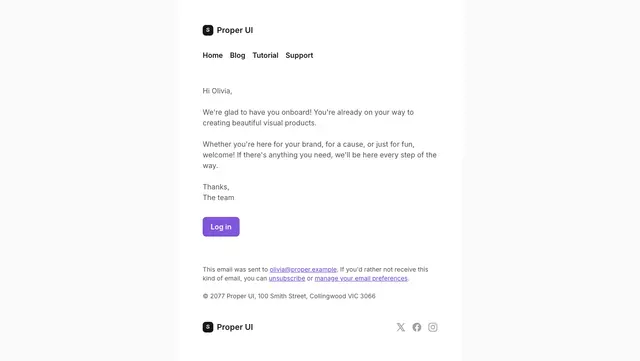
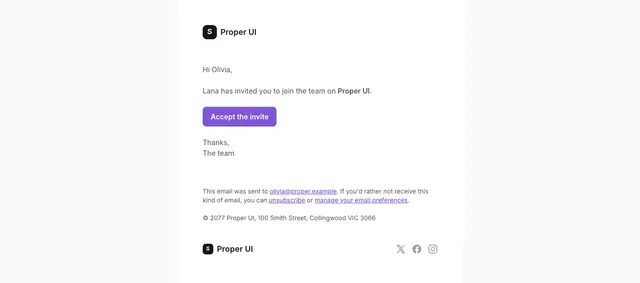
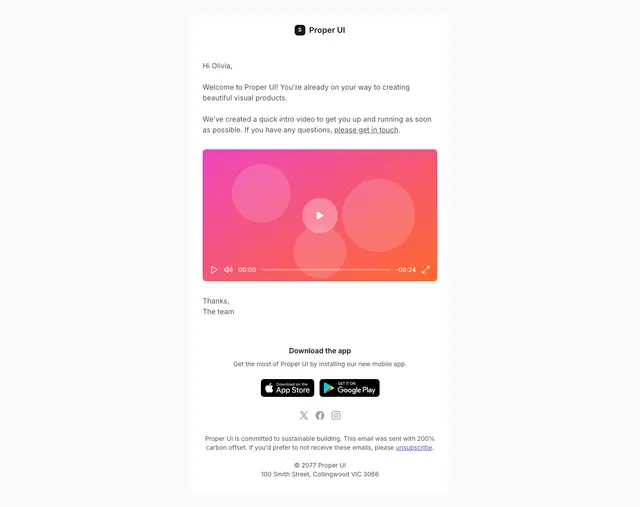
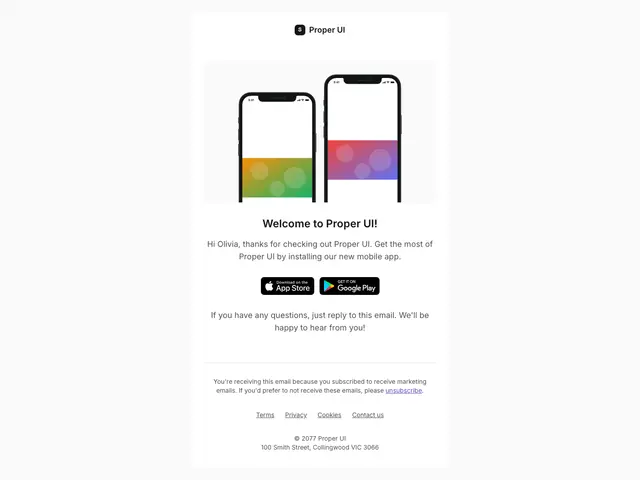
- Email lifecycle5 stepsTransactional and onboarding emails from address verification to team invites.
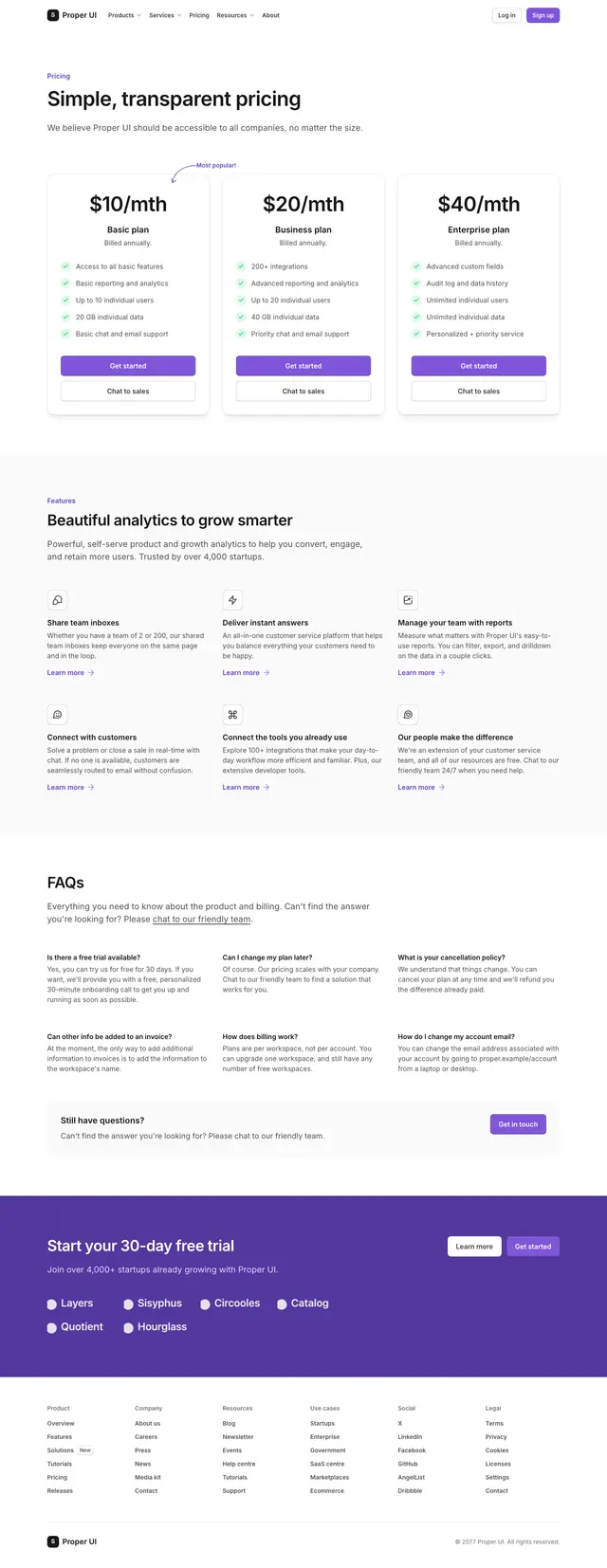
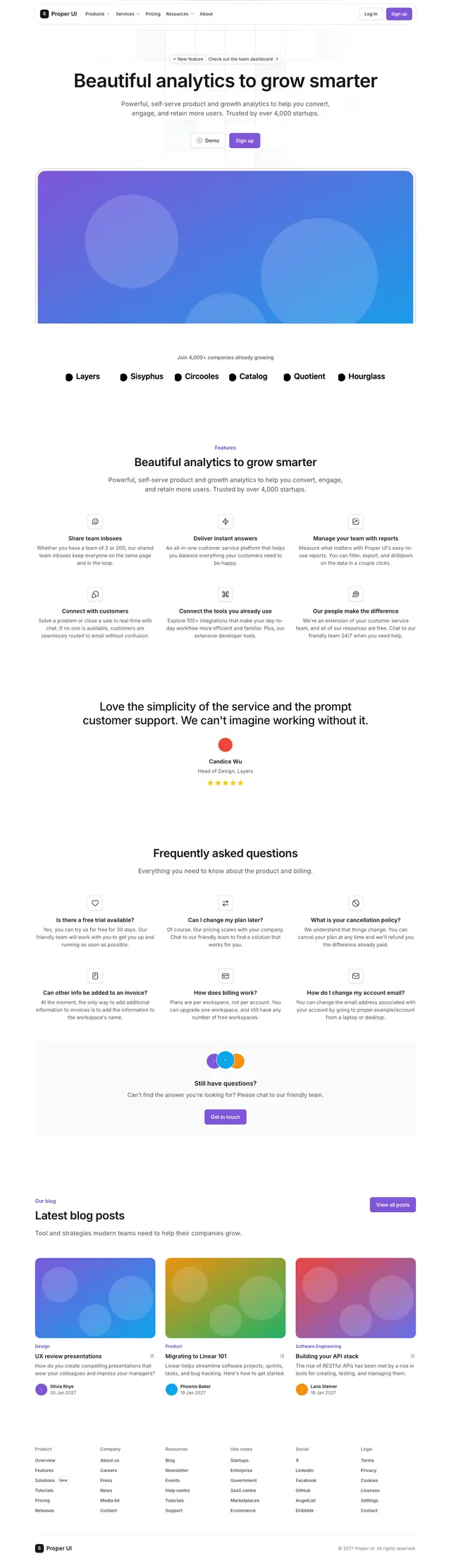
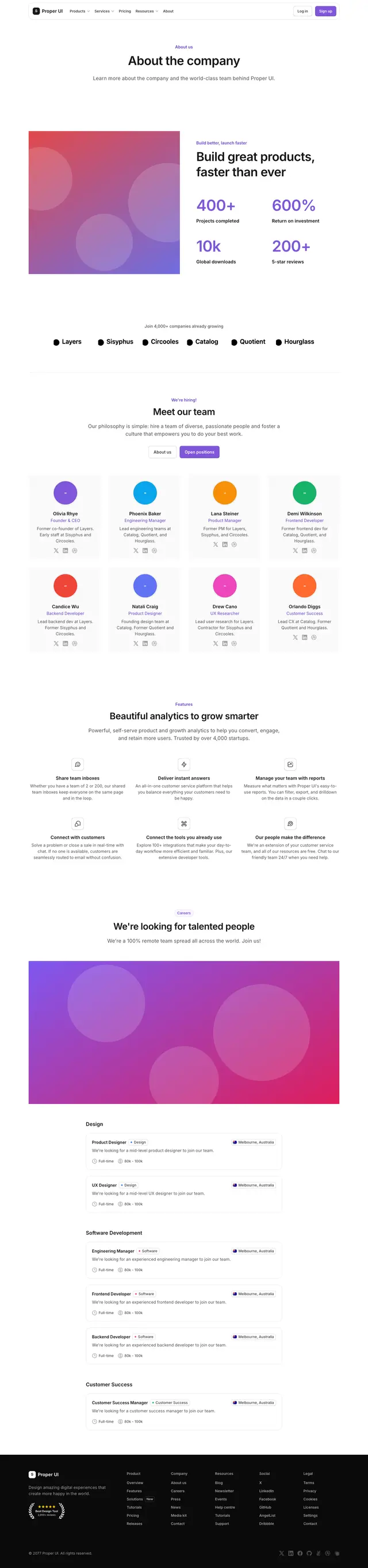
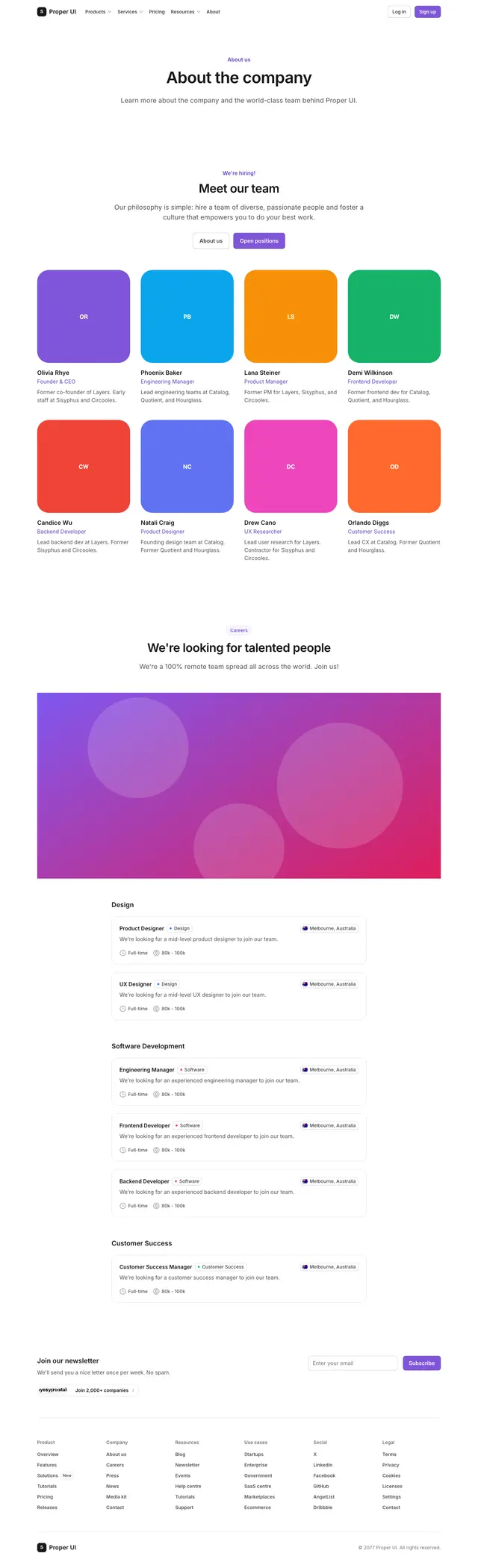
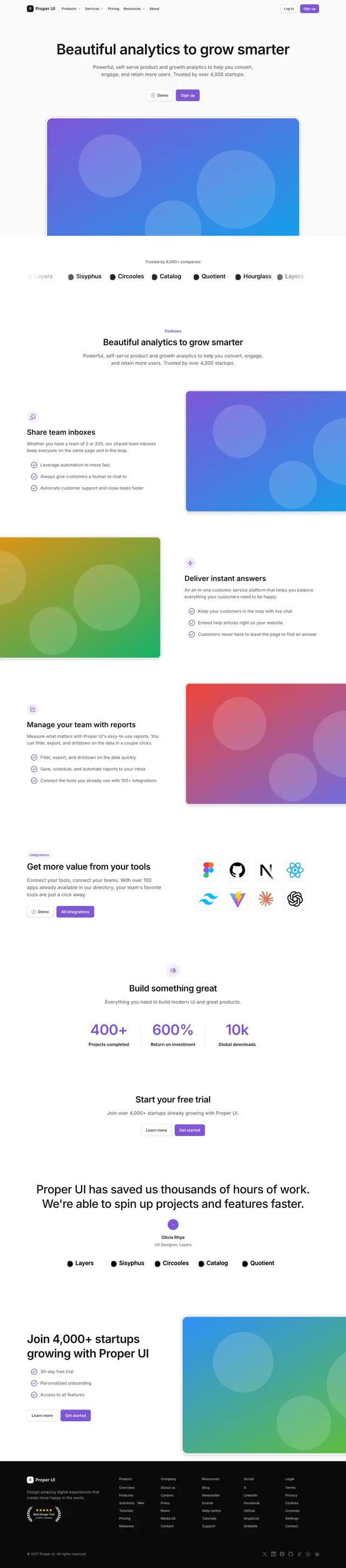
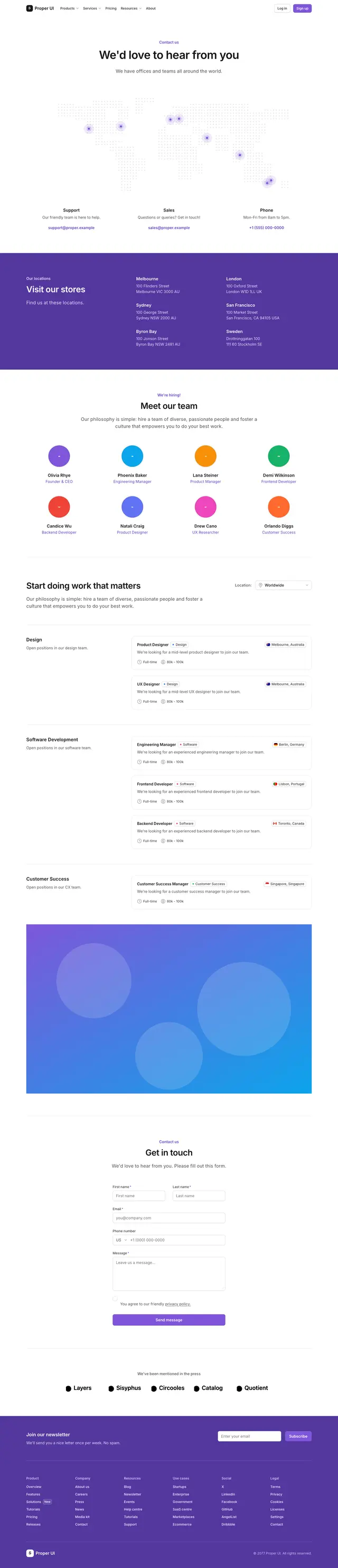
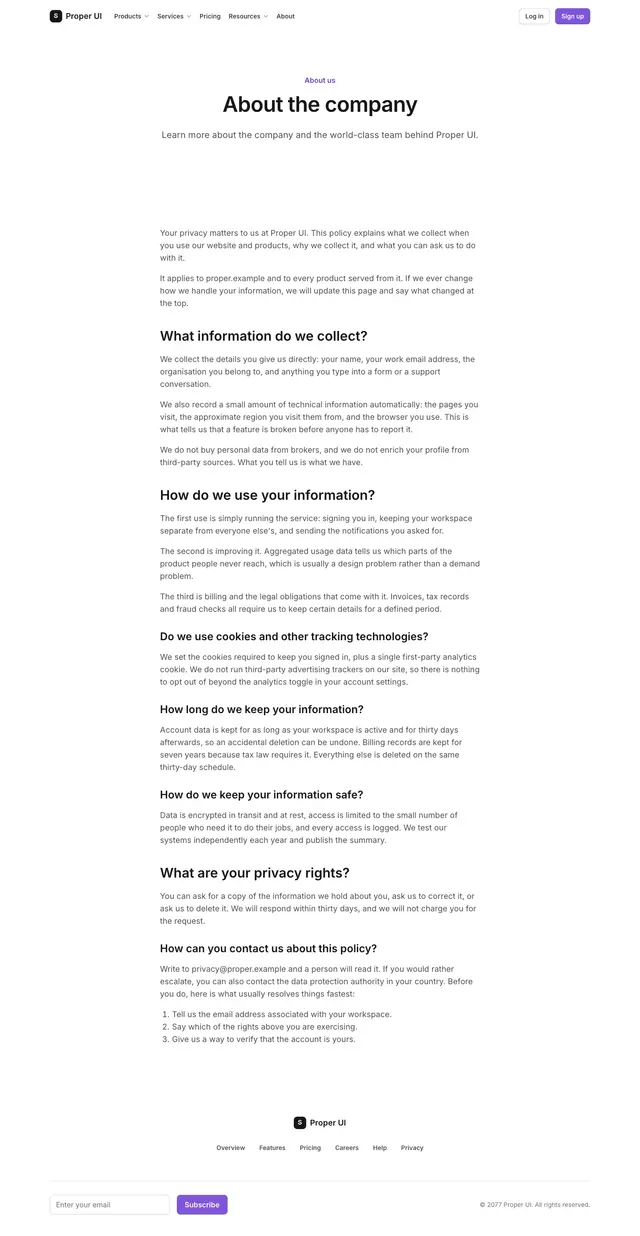
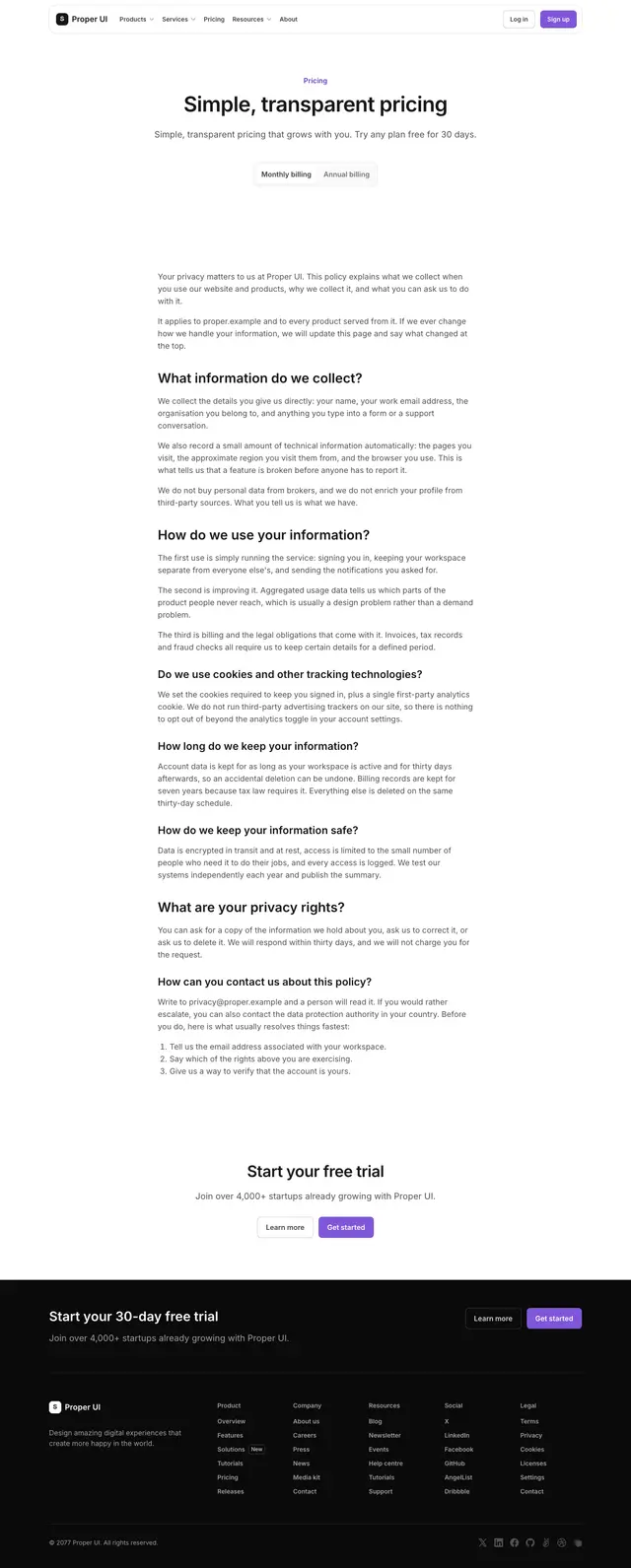
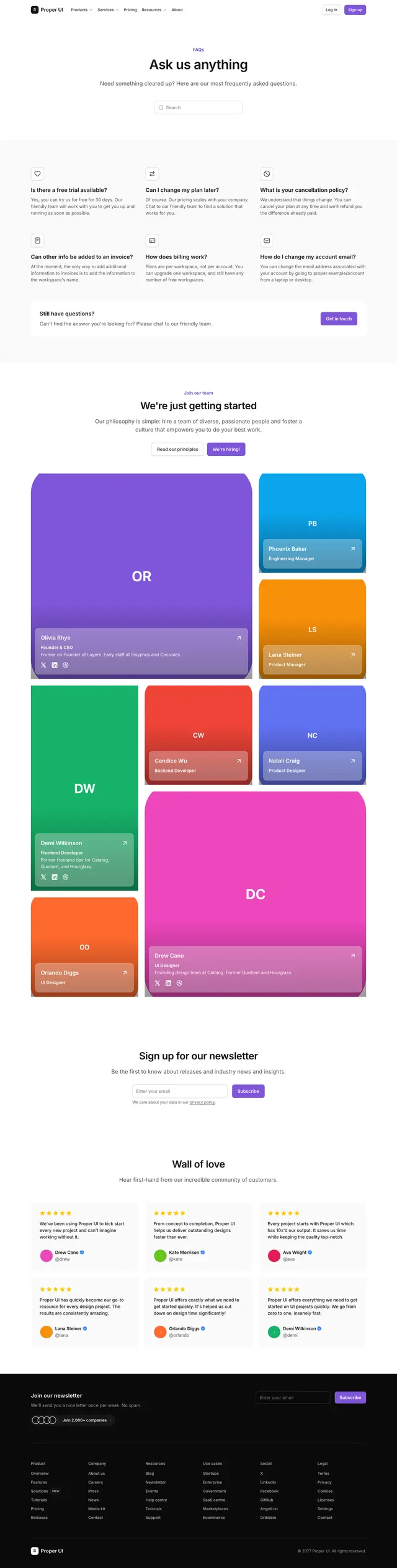
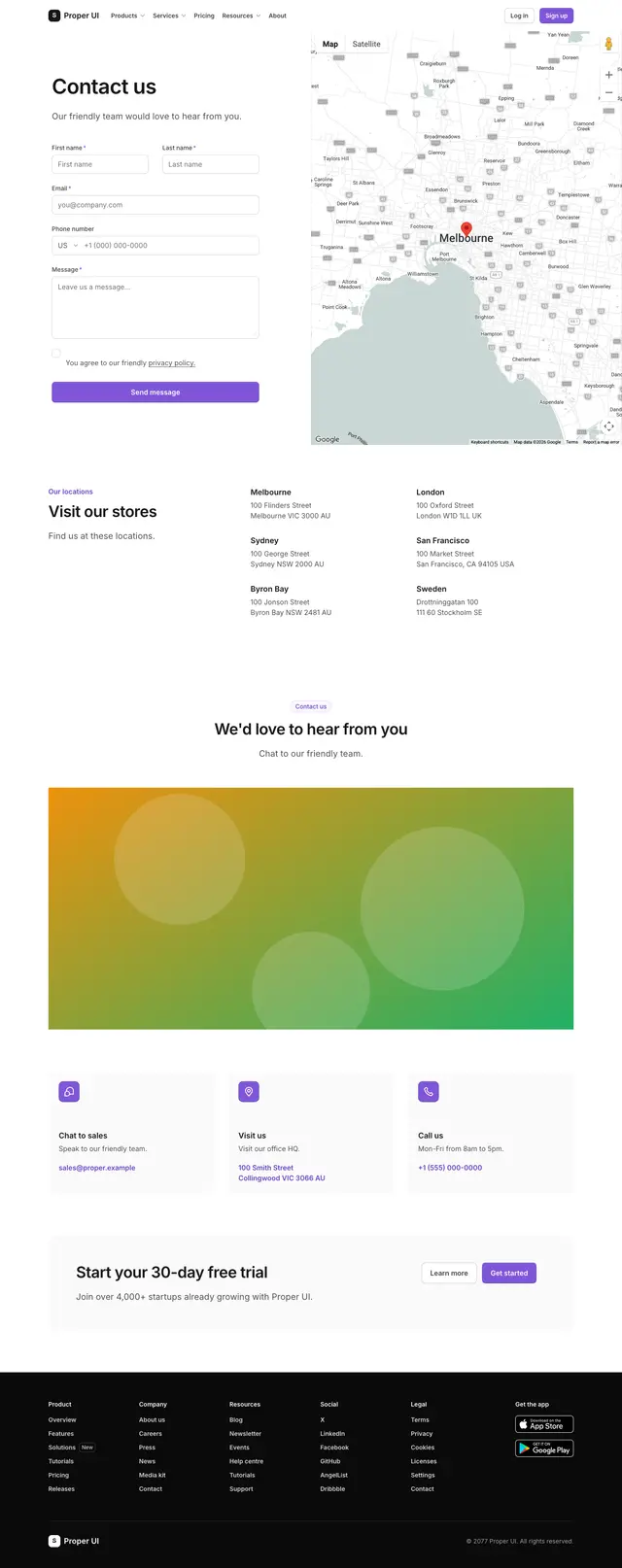
- Marketing site6 stepsThe core pages of a company website, from landing page to contact.
- SaaS launch6 stepsThe funnel from a launch landing page through sign-up and verification to the first dashboard.
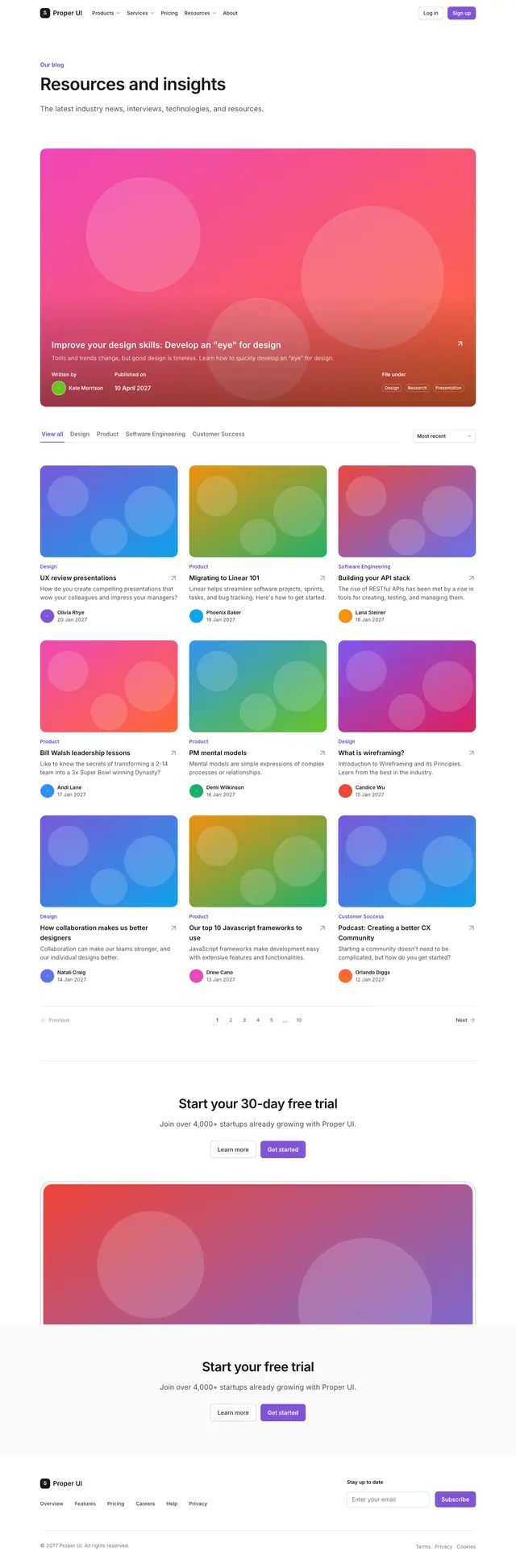
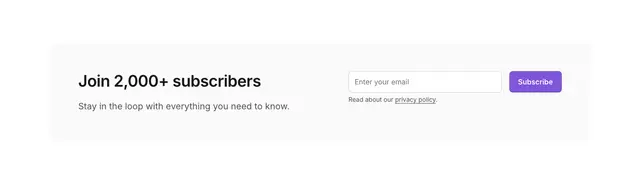
- Content site4 stepsA blog index, an article page and a newsletter sign-up for a publishing site.
- Legal and informational pages4 stepsTerms, privacy, help and support pages that every product site needs.
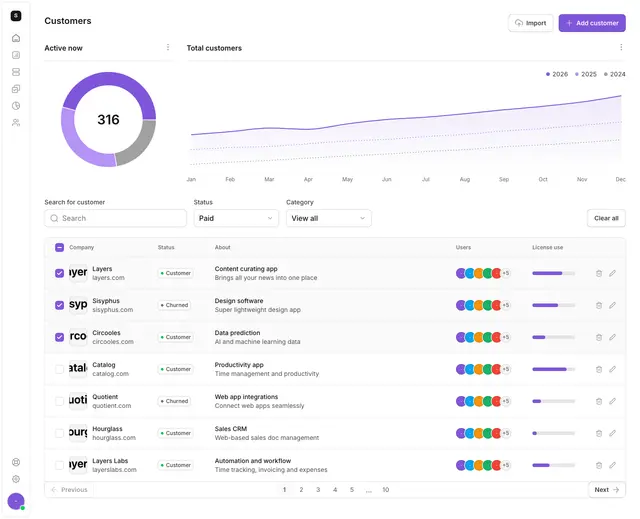
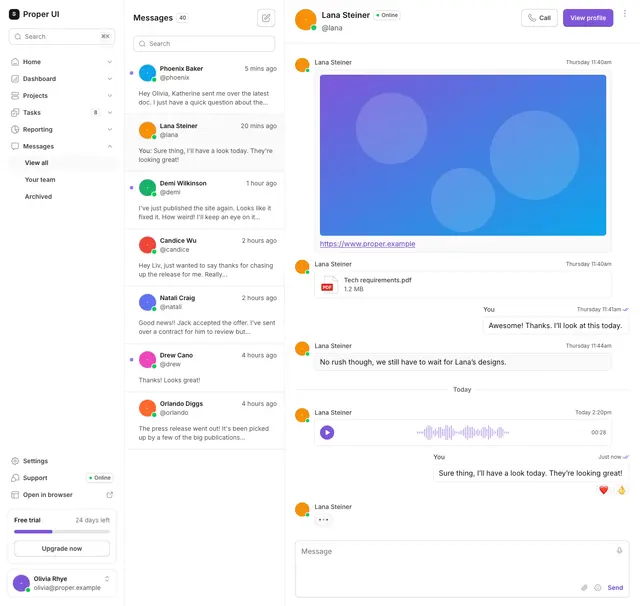
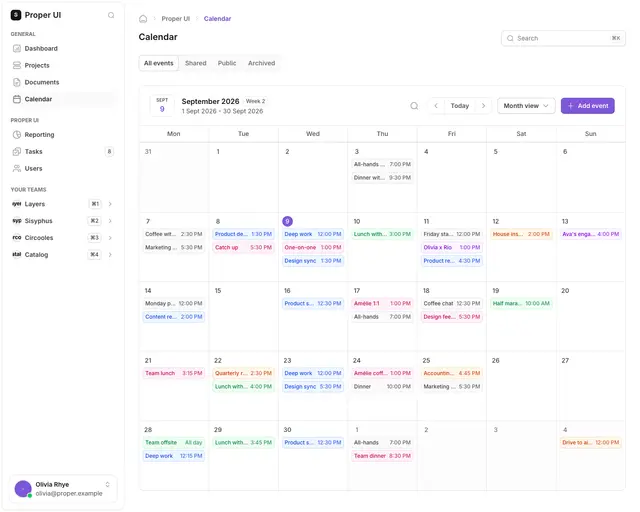
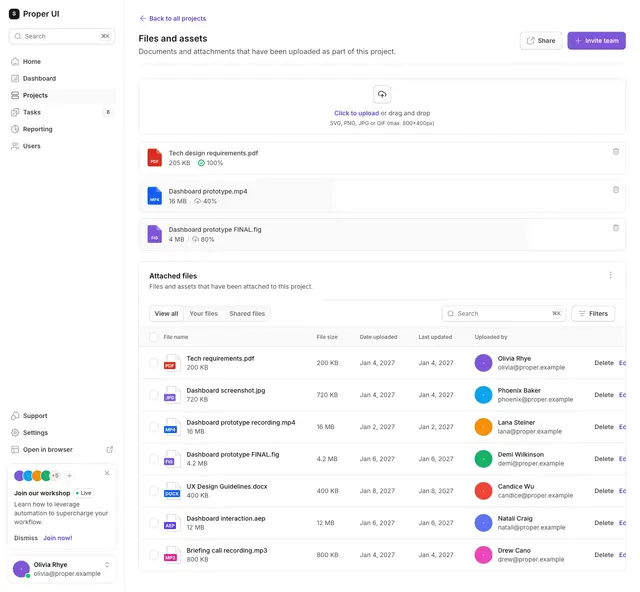
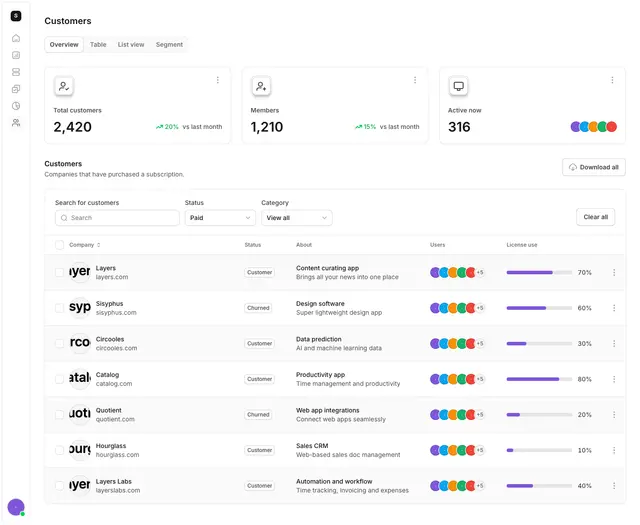
- Core app screens5 stepsCommon working screens inside an app: messages, calendar, files, orders and customer tables.