Authentication
Sign up, confirm the email address, log in, and recover a forgotten password.
6 steps
 Step 1
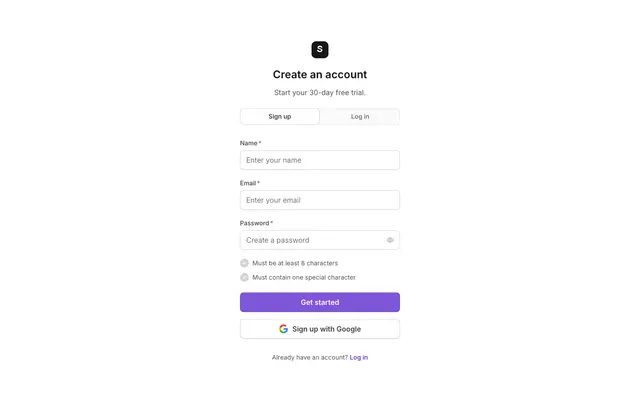
Signup simple
A short sign-up form that asks for the minimum to create an account.
npx @properui/cli@latest add signup-simple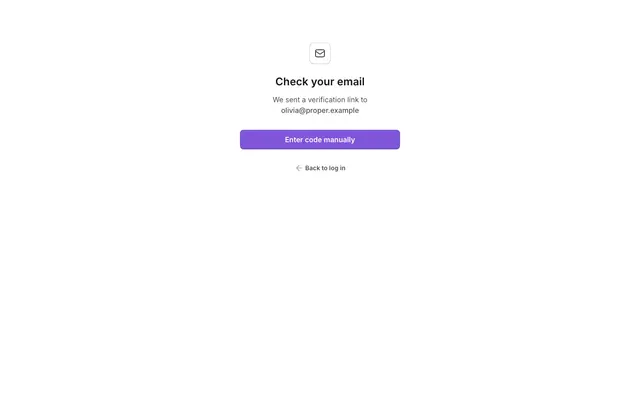 Step 2
Step 1 check email
Tells the new user a confirmation email is on its way.
npx @properui/cli@latest add step-1-check-email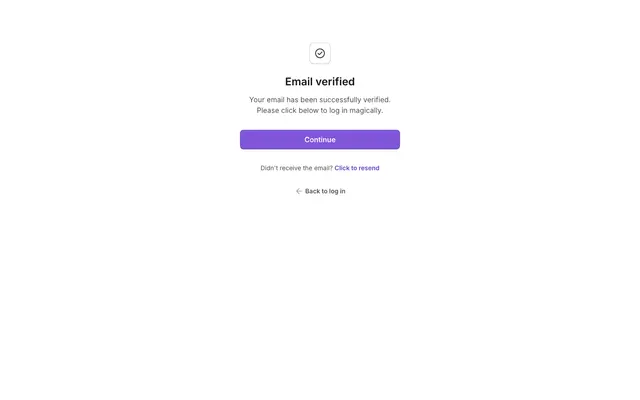 Step 3
Step 3 success
Confirms the email address is verified and points to the next action.
npx @properui/cli@latest add step-3-success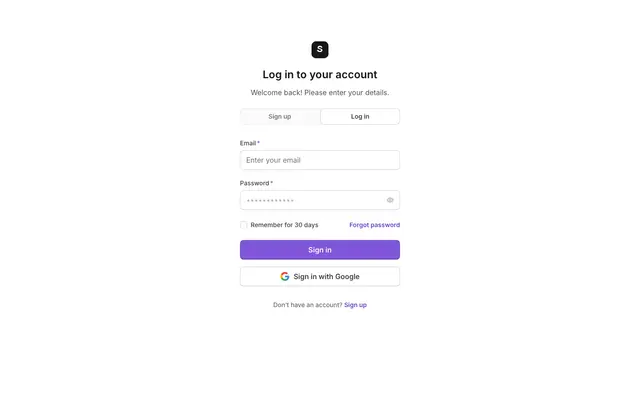 Step 4
Login simple
The returning-user log-in form with email, password and a forgot-password link.
npx @properui/cli@latest add login-simple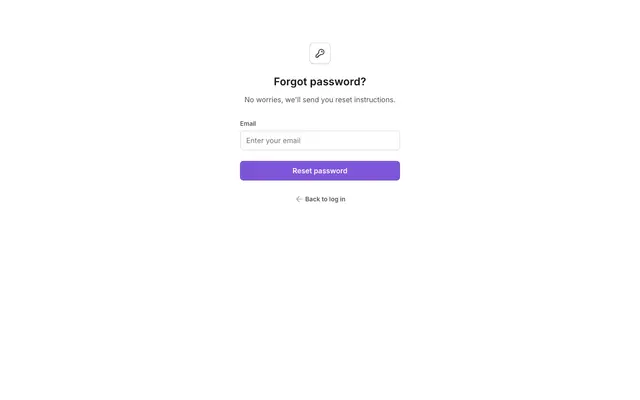 Step 5
Step 1 forgot password
Collects the email address to send a password reset link to.
npx @properui/cli@latest add step-1-forgot-password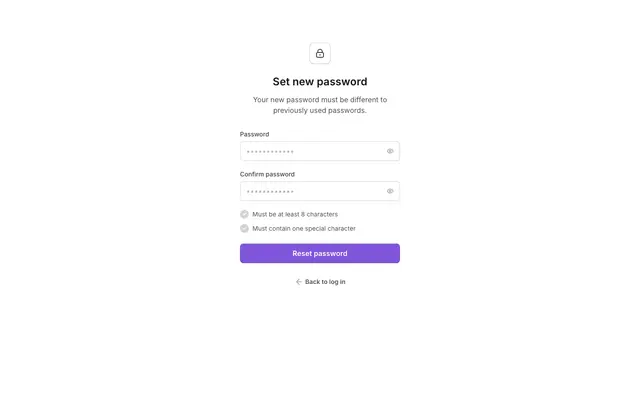 Step 6
Step 3 set new password
Lets the user choose a new password after following the reset link.
npx @properui/cli@latest add step-3-set-new-password
Install this flow
One command writes every step and the components they compose.
npx @properui/cli@latest add signup-simple step-1-check-email step-3-success login-simple step-1-forgot-password step-3-set-new-passwordWorking in an agent? Ask the MCP server for the same journey.
search_flows "Authentication"