Billing and subscription
Choose a plan, update the card on file and review past invoices.
5 steps
 Step 1
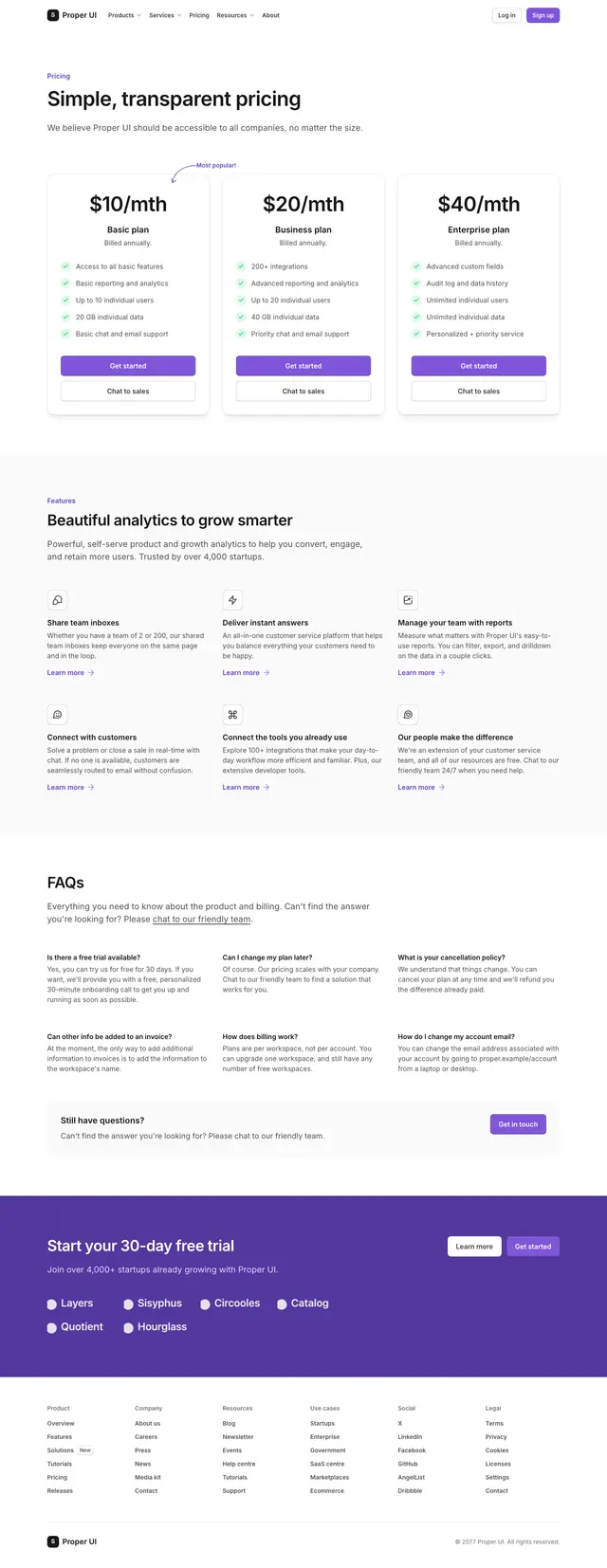
Pricing page 01
Compare plans and pick the one to upgrade to.
npx @properui/cli@latest add pricing-page-01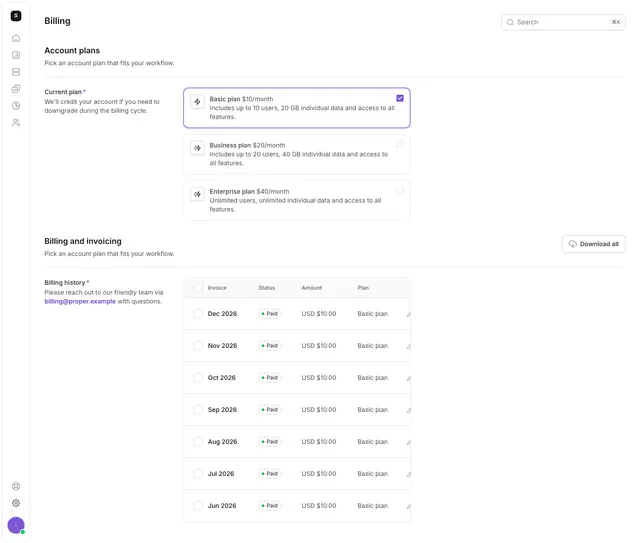 Step 2
Settings 12
Show the current plan next to the other plans on offer.
npx @properui/cli@latest add settings-12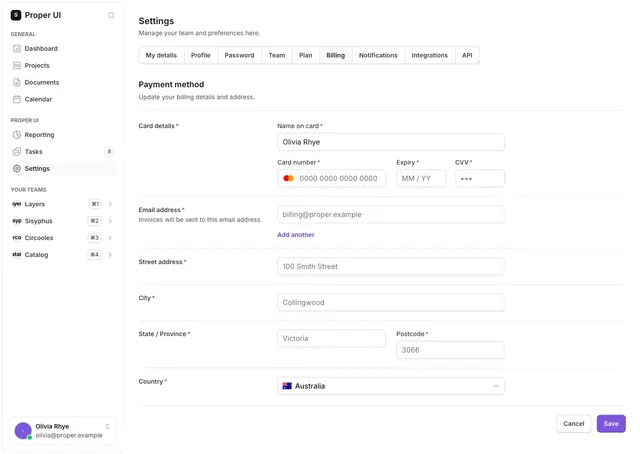 Step 3
Settings 14
Add or update the payment card with address details.
npx @properui/cli@latest add settings-14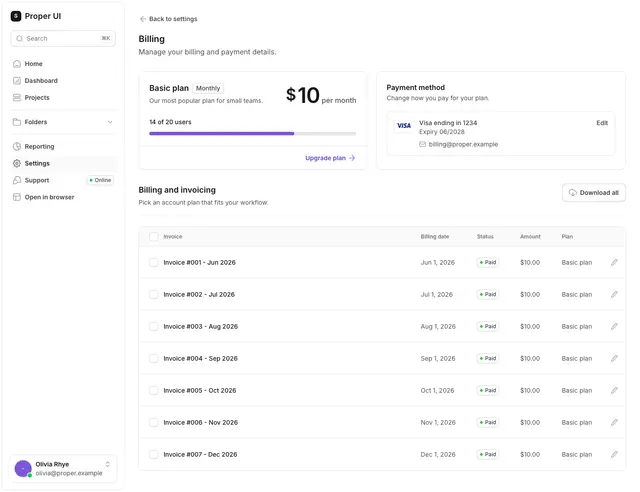 Step 4
Settings 13
Show the payment method and upcoming billing date in one place.
npx @properui/cli@latest add settings-13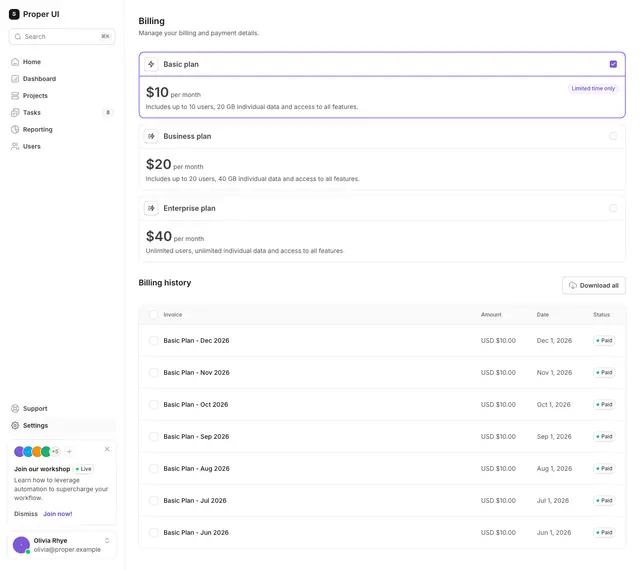 Step 5
Settings 11
List past invoices with amount, date and status for download.
npx @properui/cli@latest add settings-11
Install this flow
One command writes every step and the components they compose.
npx @properui/cli@latest add pricing-page-01 settings-12 settings-14 settings-13 settings-11Working in an agent? Ask the MCP server for the same journey.
search_flows "Billing and subscription"